
Introduction
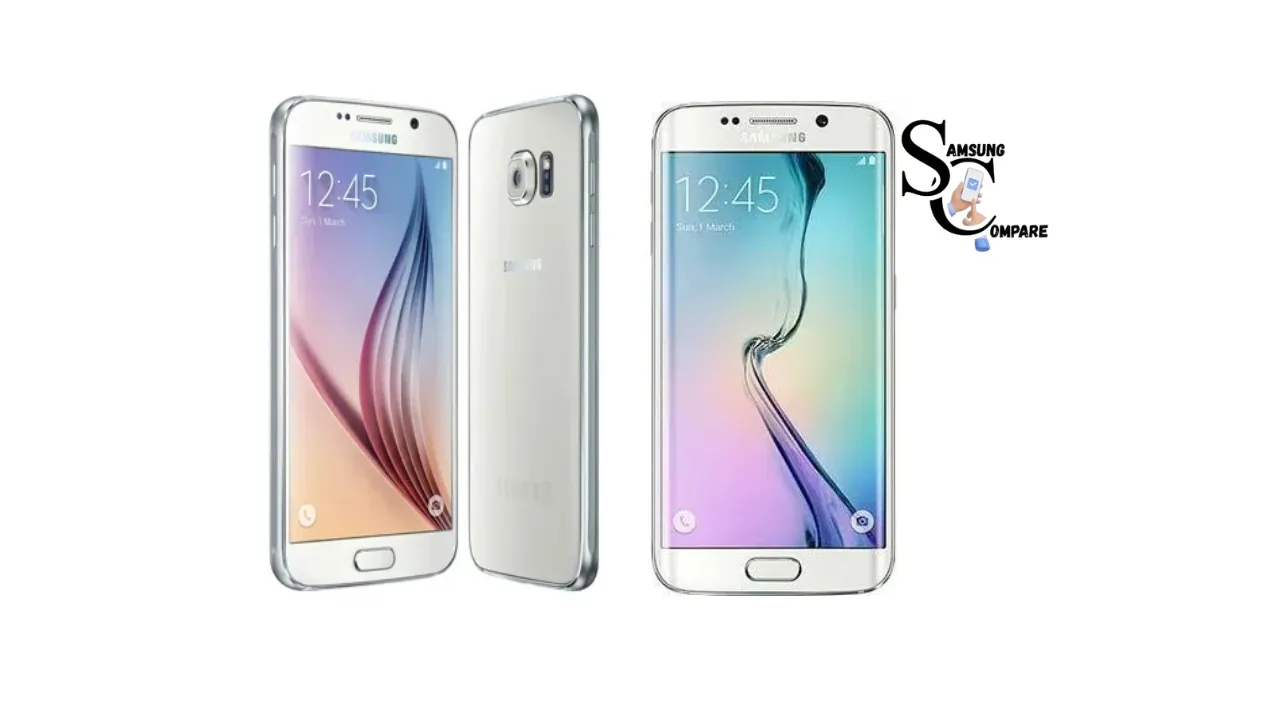
The Samsung Galaxy S6 was a different product for Samsung. They created a Samsung Galaxy S6 with a very nice glass and metal design. The Samsung Galaxy S6 also recommends performance and a good camera. It was different from the Samsung phones that were made of plastic. The new Samsung Galaxy S6 looked very modern and costly, which was a good thing for the Samsung Galaxy S series.
The Galaxy S6 has a powerful Exynos processor from Samsung and an extremely clear Quad HD Super AMOLED display. The Galaxy S6 is very fast. The images are great on the Galaxy S6. Galaxy S6 has a good camera. The Galaxy S6 has features such as charging and wireless charging. The Galaxy S6 has software that makes it perform well. Samsung Galaxy S6 aimed to be as good as the best smartphones. The Galaxy S6 obliges Samsung in determining what their future smartphones would look like. The Galaxy S6 was a good deal for Samsung and its smartphone design.
Quick facts
Launch / Release: April 10, 2015.
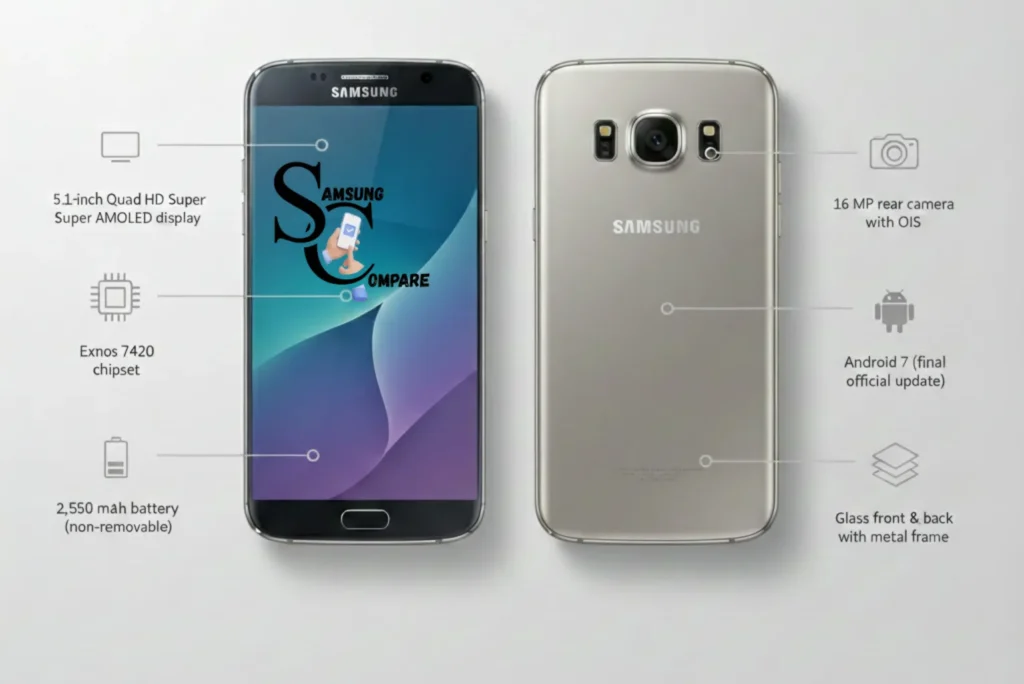
- Display: 5.1″ Quad HD Super AMOLED (1440 × 2560).
- SoC: Exynos 7420 (14 nm).
- RAM / Storage: 3 GB RAM; 32 / 64 / 128 GB (no microSD).
- Battery: 2,550 mAh (non-removable).
- Rear camera: 16 MP, OIS.
- OS at launch / official updates: Android 5 (Lollipop) → official updates to Android 7 (Nougat).
- Repairability: iFixit score 4/10 (difficult).
Why the Galaxy S6 mattered
When Samsung came out with the Galaxy S6 in 2015, it was a good deal. The Galaxy S6 had style. Samsung decided not to use so much plastic anymore. They decided to use glass and metal for the Galaxy S6. People who evaluate the Galaxy S6 liked the display of the Galaxy S6. They also liked the camera on the Galaxy S6. They liked the fancy look of the Galaxy S6. The Galaxy S6 looked like a great phone at that time. The Galaxy S6 still looks great in 2026.
What reviewers praised at launch
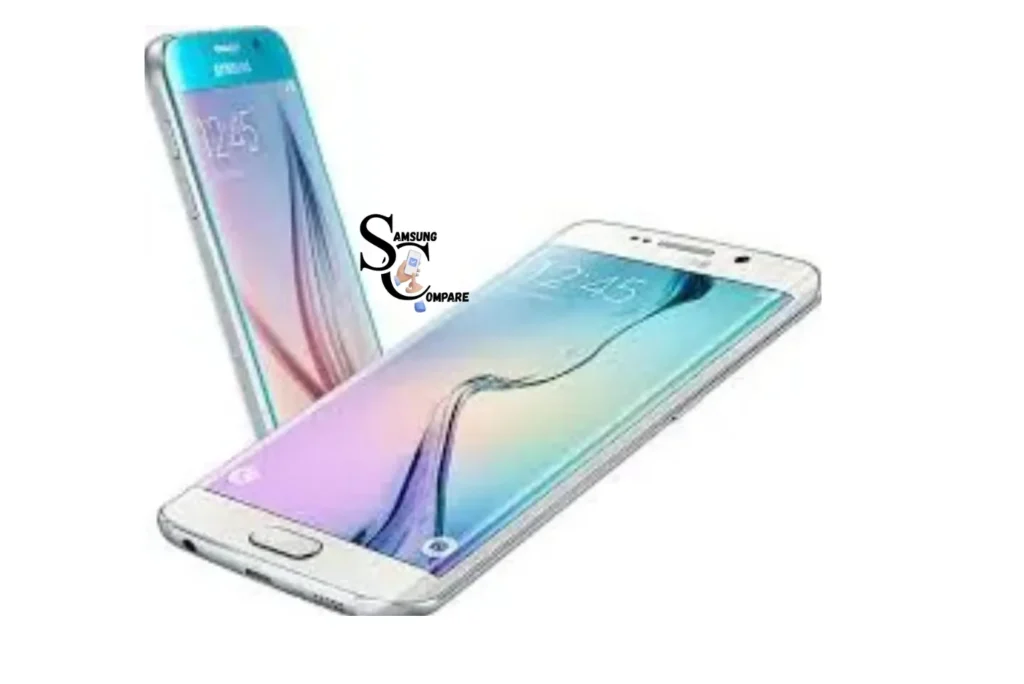
- Screen & colors: The QHD Super AMOLED delivered deep blacks, vivid colors, and a sharp image.
- Design: Glass front and back framed by metal, which made the S6 feel premium.
- Camera: Fast capture and solid daylight shot quality impressed reviewers.
- Performance: At the time, the Exynos 7420 with 3 GB RAM gave smooth everyday performance.
What reviewers missed long-term buyer gaps
- Battery size: 2,550 mAh was modest even at launch; by 2026, most original batteries are degraded. Expect poor screen-on times unless the battery is restored
- Software support: Official Updates stopped after Android 7, no modern security patches on stock firmware. For banking and sensitive tasks this is a real concern.
- Repair difficulty: The glass back is glued, and repairs can be costly. iFixit rates its repairability low.
Buying checklist: inspect this before you buy
Use this checklist in person or ask the seller for video proof if buying online.
Visual condition: what to look for
- Check both front and back glass for cracks, chips, and deep scratches.
- Inspect the metal frame for indentation or bends (a sign of heavy drops).
- Look at the camera lens for scratches that will lower photo quality.
Battery health checks
- Ask if the battery was returned, and a replaced battery adds value.
- Charge to 100% and run a 30-minute YouTube test at medium brightness. If the battery drops >15–20%, expect poor life.
- Use AccuBattery or Ampere for an irregular capacity estimate if the seller allows testing apps.
Water damage & LDI check
- Find the Liquid Damage Indicator (LDI). On many phones, it’s noticeable in the SIM tray area or under the back glass (may require partial disassembly). If the LDI is red, the device has liquid exposure to avoid or expect repairs.
IMEI / blacklist & carrier lock
- Get the IMEI and check local carrier/market blacklist services to establish that the phone is not stolen.
- Insert a different carrier’s SIM to test network lock.
Camera & sensor test
- Take daytime and low-light photos, test video recording, autofocus, and OIS.
- Test the fingerprint reader, Proximity Sensor, the gyroscope, and the micro-USB charging port.
Storage & Model verification
- Settings → About phone: validate model number (SM-G920x) and storage capacity matches the seller’s claim.
Boot /software check
- Boot the phone and watch for crashes. Reboots and one-off glitches may be acceptable; repeated accidents mean trouble.
Performance & real-world notes
Synthetic benchmarks
The Exynos 7420 was fine when it came out. In 2026, it is still fine for basic things such as calling, sending messages through social media applications, watching videos, and browsing the internet. It is not meant for games that require many cores.
Real-world gaming & web browsing
Casual games and older prizes run well. New heavy 3D games will struggle, may run at lower FPS, and the phone can get warm.
Thermal & throttling
Under sustained load (20–30 min gaming) the S6 can heat up and throttle CPU frequencies. That’s normal for its age and manufacturing process.
Camera analysis
- Daylight: The 16 MP camera still takes pleasing daylight shots for social sharing. Colors are vivid, and details are acceptable.
- Low-light: Modern phones do better in low light. Expect noise and loss of fine detail; take diversified shots or use night apps for improvements.
- Video: The S6 can record up to 4K@30fps on some firmwares and benefits from OIS. Check the recording settings before buying.
Battery & charging
- Factory battery: 2,550 mAh. By 2026, many original batteries will be degraded.
- Screen-on time: Expect ~2–3 hours SOT on an old battery for mixed use; a fresh battery will improve this significantly.
- Charging: Supports fast charging (~15W). Charging time, distrust of battery health, and the charger used.
- Tip: Insist on a battery health test or proof of replacement before buying. If you plan daily use, replace the battery.
Software & updates
- Official support: Stopped after Android 7 (Nougat). Stock firmware lacks modern security patches; this is a security issue for banking, email, and enterprise usage.
- Custom ROMs: LineageOS and other company ROMs can provide newer Android versions and security updates, but installing them requires technical skill and may void warranties. Only use trusted builds and follow installation guides.
Repairability & common repairs
- iFixit score: 4/10. Repairs are not straightforward due to the glued glass back and compact internals.
- Common repairs & rough costs:
- Battery replacement: relatively low to moderate cost (local variation).
- Screen replacement: higher front panel + digitizer and labor costs.
- Back glass replacement: often similar to screen restore due to adhesive and complexity.
- Parts: Prefer OEM or high-quality aftermarket parts; cheap parts can harm the experience.
- Where to repair: Local shops often service older Samsung phones. iFixit offers teardown guides for DIY repairers.
Buying & used-market checks
What price is fair in 2026?
The price of an item is unsettled on how good the battery is, how much storage it has, and how it looks. If the battery is new and does not have much damage on it, then it is worth money. You should check what people’re Selling Things for in your area on websites such as Daraz, OLX, eBay, Amazon, and Noon, and compare the prices to get an idea of what it is worth.
Negotiation tips
Use battery health, scratches, missing attachments, and any signs of repair as negotiation points. Ask for a short trial or return window if possible.
Scams & safety
Meet in public, test the phone thoroughly, and avoid paying before seeing evidence of the device. For online purchases, use escrow or platforms with buyer protection.
Practical maintenance & life-extension tips
- Replace the battery if the capacity is below ~80% or battery drains quickly.
- Use a lightweight launcher and uninstall irrelevant apps to keep the phone responsive.
- Limit background processes and use battery saver modes to extend uptime.
- Use a robust case and tempered glass to protect the fragile panels.
- Avoid using stock S6 firmware for banking; prefer a patched ROM or a more secure device.
Verdict
Buy if:
- You want a small, attractive backup phone for calls, messages, and light browsing.
- The battery was replaced, or you plan to replace it cheaply.
- You like the quality flagship aesthetic and don’t need the latest software.
Don’t buy if:
- You need a secure daily driver for banking or work.
- You reckon on long battery life or top-tier mobile gaming.
- You can’t afford likely screen/back repairs.
FAQs
The Galaxy S6 is only worth buying in 2026 as a cheap secondary phone, backup device, or for light use. It is not advocated as a secure daily driver due to outdated software and battery limitations.
The Samsung Galaxy S6 was officially released on April 10, 2015.
The Galaxy S6 launched with Android 5 (Lollipop) and received official updates up to Android 7 (Nougat). It no longer receives security updates on stock firmware.
No. Official security updates ended years ago. Using the Galaxy S6 for banking or sensitive accounts is not recommended unless a trusted custom ROM is installed.
The Galaxy S6 has a 2,550 mAh non-removable battery. Most original batteries are heavily degraded in 2026 and usually require replacement.
Samsung Galaxy S6 Conclusion
The Samsung Galaxy S6 represented a major development in Samsung’s smartphone lineup, combining a premium glass-and-metal design with strong performance and an excellent camera for its era. It successfully shifted Samsung toward a more flagship-Focused Experience, offering a sharp display, fast charging, and smooth everyday practicality at the time of release.
Talking from the point of view of 2026, the Samsung device is not really that good for use on a daily basis because the hardware is outmoded, the battery life is not so long, and the software is no longer supported. The Samsung device is still significant because it gives an idea of how Samsung used to design things. It is better to use it for some simple tasks, as a backup device, or for people who like to accumulate old devices rather than using the Samsung device all the time.
