
Introduction
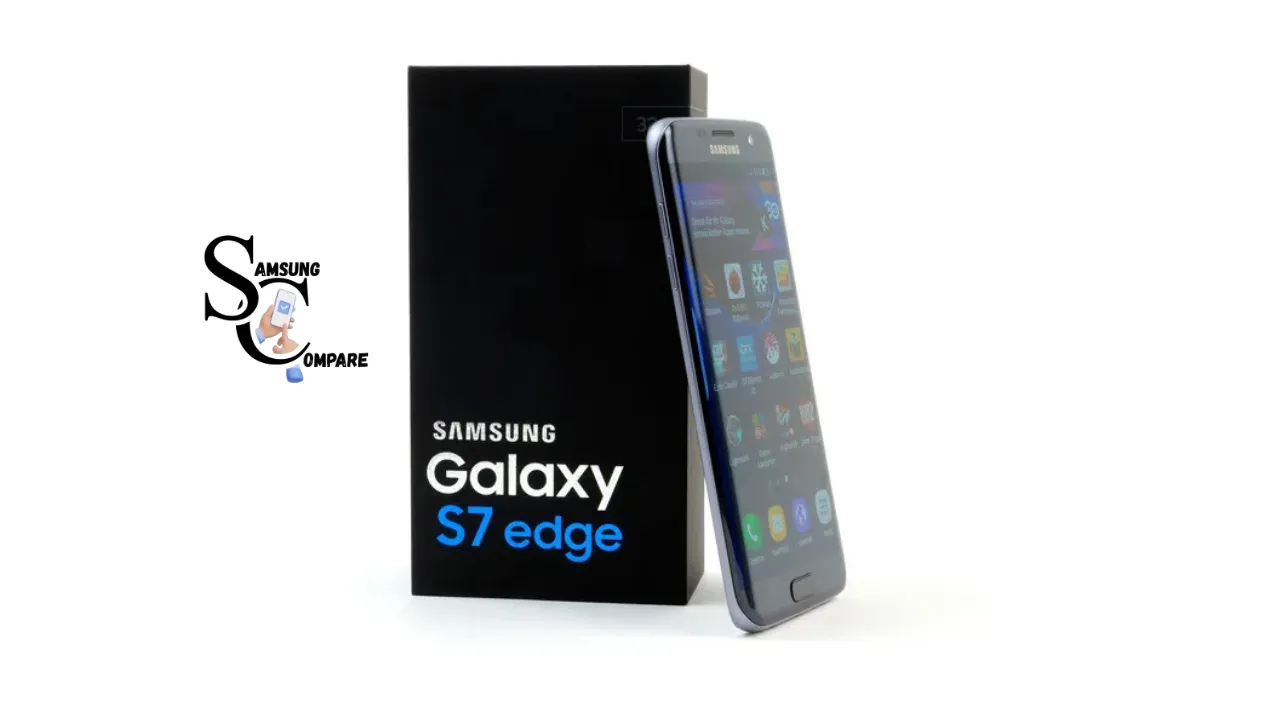
The Samsung Galaxy S7 Edge, which was released in February 2016, is still a smartphone because it has a really good camera and a cool meander design. If you are considering purchasing the Samsung Galaxy S7 Edge in 2026, it can be a cheap option but only if you check a few things first. You have to make sure that the battery of the Samsung Galaxy S7 Edge is in good condition and that the screen is in good condition as well. Sometimes, the Samsung Galaxy S7 Edge may have a line on the screen or it may be burned in, so you have to be careful about that. Also, the Samsung Galaxy S7 Edge does not receive updates from the company, and the last major update was Android 8.0 Oreo.
Key specs at a glance
- Model: Samsung Galaxy S7 Edge
- Release date: February 2016
- Display: 5.5″ Quad HD Super AMOLED (2560×1440), spiral edges
- SoC: Exynos 8890 (most regions) / Snapdragon 820 (USA/China)
- RAM / Storage: 4 GB RAM; 32 / 64 / 128 GB + microSD
- Rear camera: 12 MP Dual Pixel, f/1.7
- Battery: 3,600 mAh
- Water resistance: IP68
- Last official major Android: Android 8.0 Oreo
What made the S7 Edge special
- Curved “Edge” glass made a 5.5″ phone feel smaller and more premium.
- The Dual Pixel 12MP sensor with f/1.7 transport class-leading low-light shots in 2016.
- microSD + IP68 reintroduced the flexibility lost in some competing models.
- Solid build & display, a well-maintained AMOLED still looks great today.
Detailed specs
Markdown spec table
| Field | Value |
| Model | Samsung Galaxy S7 Edge |
| Release date | February 2016 |
| OS (shipped) | Android 6.0.1 Marshmallow |
| Last official major OS | Android 8.0 Oreo |
| Chipset | Exynos 8890 / Snap 820 |
| CPU | Exynos: Octa-core / Snapdragon: Quad-core |
| GPU | Mali-T880 MP12 / Adreno 530 |
| RAM | 4 GB |
| Storage | 32 / 64 / 128 GB + microSD |
| Display | 5.5″ Quad HD Super AMOLED (2560×1440), curved |
| Rear camera | 12 MP Dual Pixel, f/1.7 |
| Video | Up to 4K@30fps |
| Battery | 3600 mAh |
| Charging | Wired QC 2.0 (~15W), Wireless Qi |
| Water resistance | IP68 |
| Dimensions | (use the manufacturer’s page for the exact mm.) |
| Colors | Black, Gold, Silver, Blue (varies) |
performance & battery
Performance
- Relative speed: The S7 Edge will feel slow next to modern mid-range and flagship phones. Launch specifications are dated and Android software expectations have changed (background tasks, app sizes, and system animations).
- SoC differences matter: Exynos and Snapdragon variants behave differently. Exynos chips in many regions can run hotter and sometimes Deliver Lower battery life under sustained load. Check model code (e.g., SM-G935F typically Exynos) before contemplating parity.
- 4 GB RAM limitation: Multitasking heavy workflows (many browser tabs, big apps) will hit RAM limits earlier than modern devices.
Battery
- Aging 3,600 mAh: Good capacity at launch, but most used units will have diminished capacity after years of charge cycles. Expect somewhere between 60–85% of original capacity, turning on usage and battery replacements.
- Test before you buy: The 15-minute video test below is a pragmatic, reproducible check. If the battery falls aggressively (10%+ in 15 minutes at full brightness), factor in a replacement cost.
- Swelling risk: Old lithium batteries can swell, and a visibly bowed back or an opening aperture is a clear reject.
Storage & daily use
- 32 GB base fills fast: If buying a 32 GB unit, confirm free space and microSD functionality. Clean installs or factory reactivation can free space but don’t fix physical limitations.
- Practical day-to-day: For casual use (calls, messaging, light social media, photography) the S7 Edge remains serviceable. Gaming, heavy multitasking, and app-heavy workflows are not its durability in 2026.
Camera
- Still capable for casual snaps: The 12 MP Dual Pixel sensor with f/1.7 remains very competent in low to decrease light for social media photos.
- Processing differences: Image processing and computational photography have advanced dramatically, except for narrower dynamic range, weaker HDR, and less aggressive noise reduction compared to current phones.
- Practical advice: Clean the camera glass, compare sample photos (ask seller for recent photos from the device), and test autofocus and strengthening in person.

Buying a used full step-by-step checklist
I would like to turn this into a document that others can print out and use. It should be one page and in PDF format. This will be a way to get others captivated by what I have to offer.
The following is a list of things to do that you can add to a website or give to someone who is buying from me.
* It is short and to the point
* You can use it to get things done speedily
This checklist is a magnet and a printable one-page PDF.
Before you meet/buy online
- Request clear photos: front, back, edges, camera glass, SIM tray, ports.
- Ask for IMEI and model code (e.g., SM-G935F). Use IMEI to check blacklist/stolen status in your country.
- Ask if the device has been renovated (screen, battery, other parts). Repairs can void IP rating and affect the value.
Visual inspection
- Inspect the curved edges for hairline cracks or chips.
- Look carefully for screen burn-in or a vertical pink/magenta line; zoom photos to 100% to check.
- Inspect the camera glass for scratches.
- Check the SIM tray and port areas for undermining or bent pins.
Power-on & software checks
- Settings About phone: confirm model name, serial, and Android version.
- Check the security patch date; old patches mean exposed vulnerabilities.
- Open multiple apps to spot derailment or sluggishness.
Battery quick-test
- Charge the device to 100%.
- Set display to full brightness (or max usable).
- Play a local 1080p video on loop or YouTube (if offline) for 15 minutes.
- Healthy battery: drop of a few percent only. If the battery drops 10%+, treat the battery as worn and evaluate replacement cost.
Functional tests
Wi-Fi: connect and load a webpage.
- Bluetooth: pair with a speaker quickly.
- GPS: open maps and confirm location.
- Camera: take photos front/back in different light.
- Fingerprint sensor: enroll and test.
- Speakers/mic: make a call and information a voice note.
- Charging port: plug in the cable and test both charging and data sync.
Water/moisture check
- Inspect any water contact indicator (SIM tray sticker on many devices).
- Ask the seller about the water exhibition; prior repairs often void IP68.
Price negotiation tips
- If the pink line is present, reduce the price appreciably (screen replacement is expensive).
- If the battery fails the test, deduct the cost for replacement.
- If repair history or aftermarket parts present a price drop.
Repairs, parts & cost guide
Local prices vary; include a small country/city table on your page and update periodically.
Common repairs (broad expectations)
- Screen replacement (curved AMOLED): Highest cost. Curved Super AMOLED displays are expensive and more multiplex to fit than flat panels. Factor this heavily into value.
- Battery replacement: Moderate cost, usually restores usable life and is strongly recommended for old units.
- Charging port repair: Moderate cost; corrosion may require board work.
- Fingerprint/camera module: Mid-tier cost.
Known recurring faults
- Vertical pink/magenta line: A panel fault that typically needs a full display replacement.
- Battery swelling: Common for older packs, speedy rejection.
- Charging port corrosion: Moisture/dirt can be pricey, depending on board damage.
Repair decision guide
- If the screen needs replacement, consider walking away unless the price is extremely low or replacement is covered.
- If battery replacement is usually cost-effective.
- If the port or camera gets a local repair reproduction, some shops offer reasonable rates, but be careful of low-quality parts.
Software, security & aftermarket ROMs
Official status
- Last official major Android: 8.0 Oreo. Security updates ended years ago on official channels. Relying on official firmware means living with potential unpatched vulnerabilities.
Aftermarket ROMs
- LineageOS and community builds exist for a lot of Samsung phones. This is really helpful for people who understand what they are doing with technology because these things called ROMs can give them a statement of Android and make their phones last longer. They can get versions of Android and their Samsung phones will last them longer because of the LineageOS and community builds.
- Caveats: To achieve this, you have to unlock the bootloader, which is a huge step. Then you have to flash the phone. Sometimes you even have to install Google apps by yourself. This can be very bad for your phone. It can even brick your phone. When you do this, you will not have a warranty anymore. Some things on your phone might not work as well, like the camera. The camera maximum on your phone will not work like it used to. I do not think people who are not good with technology should try this.
App compatibility
- Most mainstream apps continue to work, but very new apps or app updates might expect newer APIs; occasional compatibility issues may arise.
S7 Edge vs alternatives
Buy S7 Edge if:
- You want a classic, compact flagship look with a still-very-good camera for casual photos.
- You can accept older software or are enjoyable with custom ROMs.
- You can test the battery and screen and negotiate accordingly.
Choose S7 (non-Edge) if:
- You prefer a flat screen (cheaper repairs) but want similar core specs.
Choose S8 if:
- You prefer a more modern design and slightly enhance internals; still an older phone, but it offers refinements.
Choose a 2024/2026 budget or mid-range if:
- You want current security updates, better battery life, and modern camera software (computational photography).
FAQs
A: The S7 Edge has a 3,600 mAh battery.
A: Yes, it supports microSD card expansion.
A: It shipped with Android 6.0.1 Marshmallow,w and the last official major update was Android 8.0 Oreo.
A: Some S7 Edge screens develop a vertical pink/magenta line due to panel faults. Usually, it needs a display replacement.
A: It can be if the price is right, the battery and screen pass tests, and the buyer understands the limited official software updates.
Conclusion
The Samsung Galaxy S7 Edge is still one of the Legendary Phones of Samsung. It is remembered for its curved edge design. The phone had a good display and a good camera. When it was launched in 2016, it was a good deal. The phone had a 5.5-inch Quad HD AMOLED display. This was a standard at that time. It also had IP68 water resistance. The 12 MP dual-pixel camera was reliable. It could click good pictures in low light. Galaxy S7 Edge had many features. Samsung Galaxy S7 Edge was a phone at that time.
The Samsung Galaxy S7 Edge is still a phone that people like. The Samsung Galaxy S7 Edge is old now. You can tell that the Samsung Galaxy S7 Edge is not as good as it used to be. The company concluded giving the Samsung Galaxy S7 Edge software updates a long time ago so that it only goes up to Android 8. This means that the Samsung Galaxy S7 Edge does not work well with a lot of apps that it has, it is not very secure, and it is slow compared to other phones. Some people who have been using the Samsung Galaxy S7 Edge for a while now say that the battery life is not very good, it does not have enough storage, and it is slow. Despite all these issues, people are motionless like the Samsung Galaxy S7 Edge because it is powerful and it looks good.
